Learn to tell the time, one slice at a time
A free clock app for kids. They learn to read a real clock on a pizza, then use the same clock to get out of the door on time.
- Free
- No ads
- No sign-up
- Any device
Quarter past finally makes sense
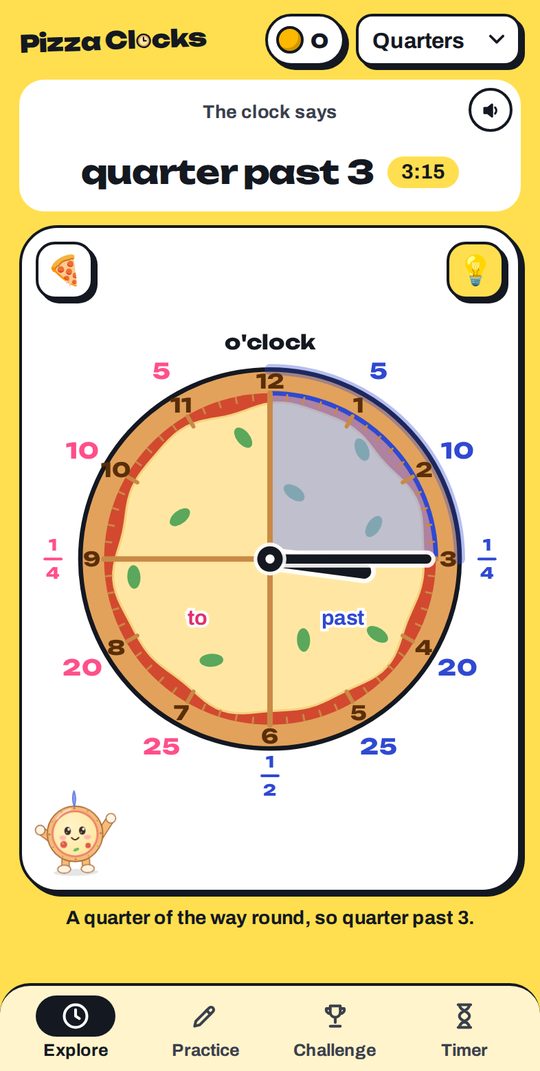
Cut the clock like a pizza. The right side is blue for past, the left side is pink for to.
Explore
Drag the hands and watch the time change in words, with the slices showing quarters and halves.
Practise
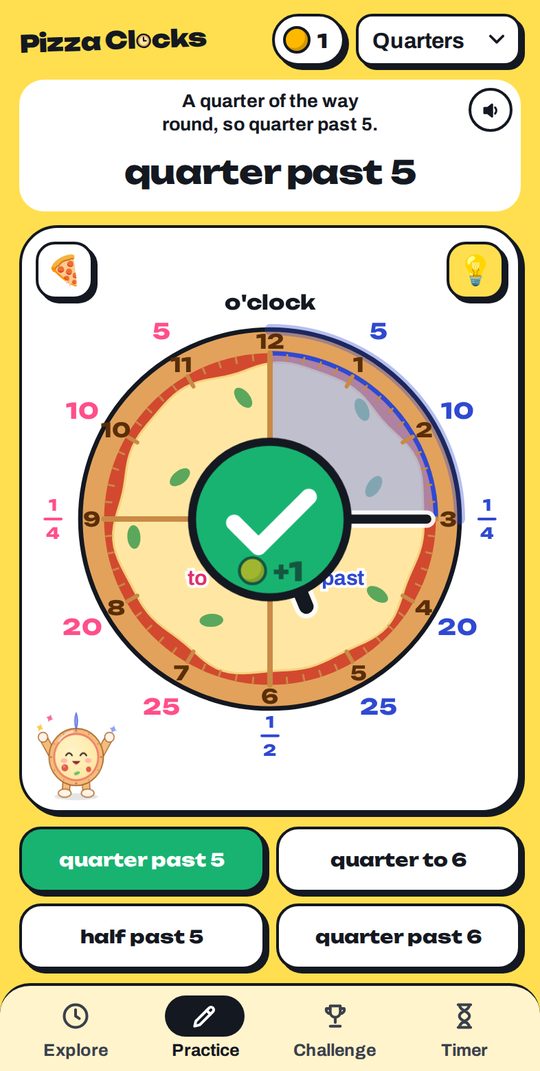
Read the clock and set the clock, with gentle hints and coins for every right answer.
Climb the ladder
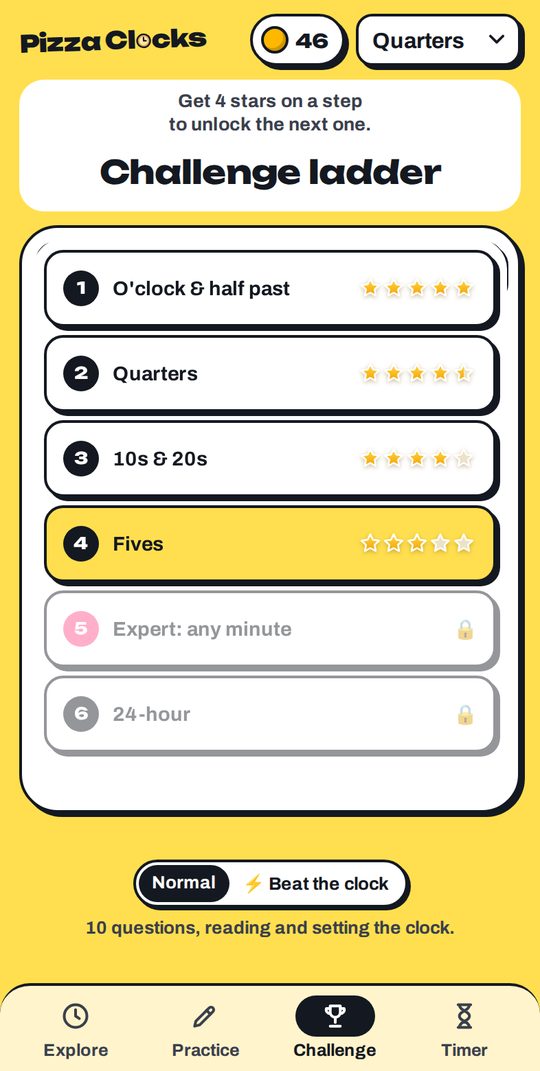
From o'clock and half past to fives, any minute and 24-hour time, ending with a certificate to keep.
Swipe to see all three →
A visual timer that gets them out of the door
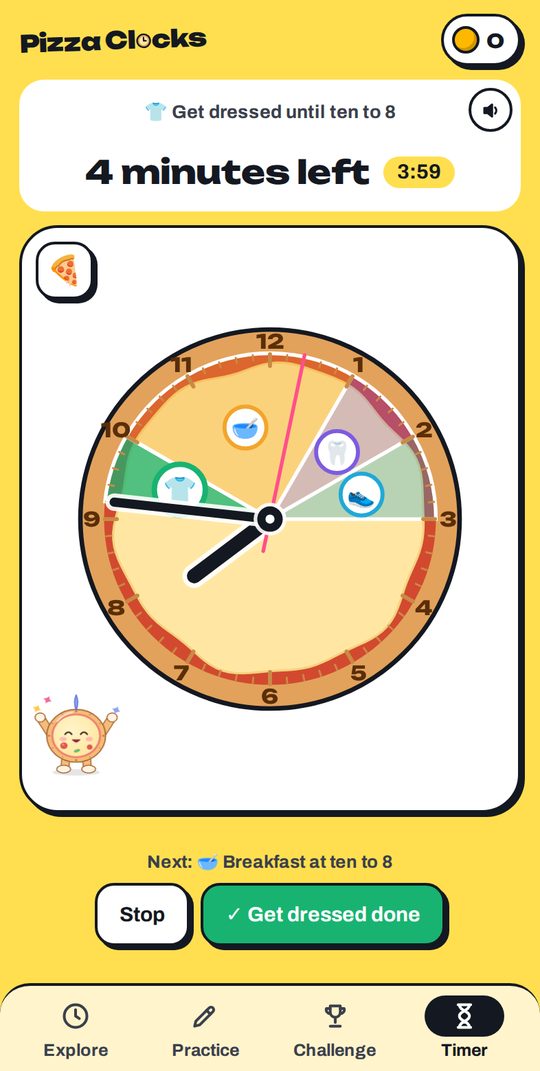
“Five more minutes” means nothing to a lot of children. A shrinking green slice on a real clock does.
- Routines: school mornings and bedtime as coloured slices, worked out from the time you leave
- Spoken reminders: “Five minutes until we leave. Shoes and coat on!”
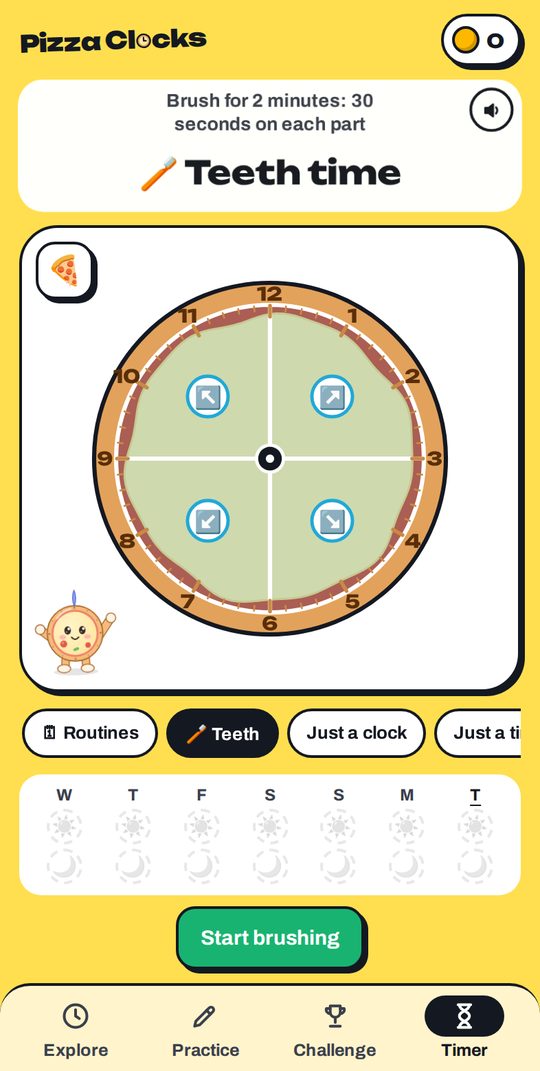
- Teeth timer: two minutes, four slices, and a week of sun and moon stars
16 faces to collect
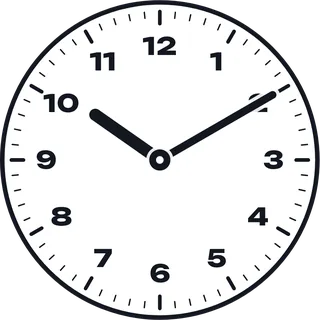
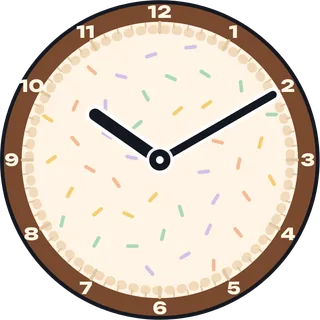
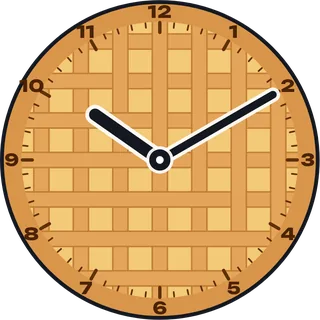
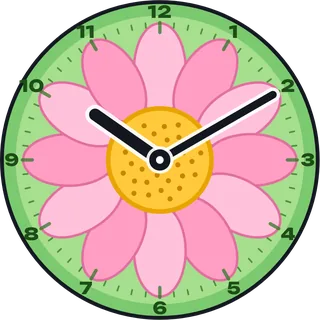
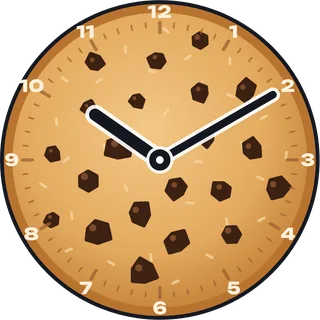
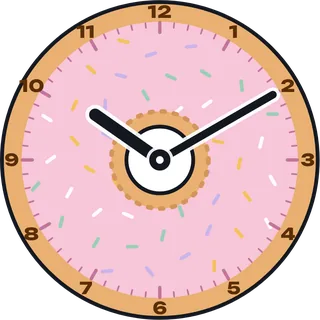
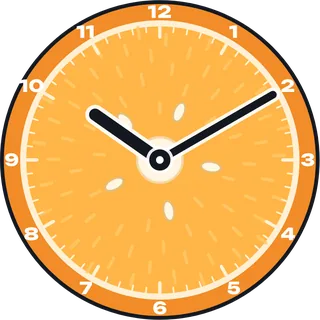
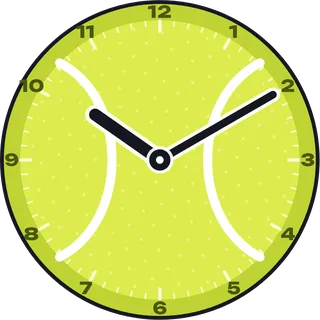
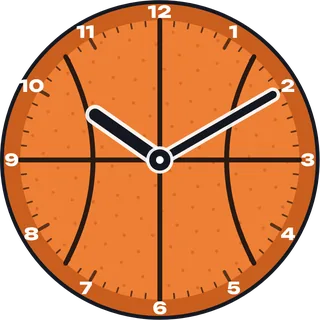
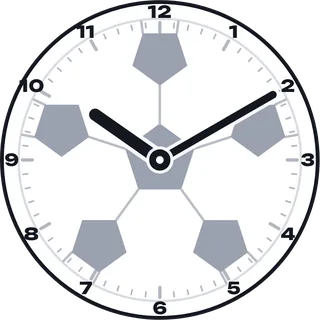
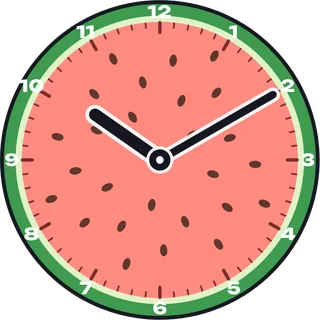
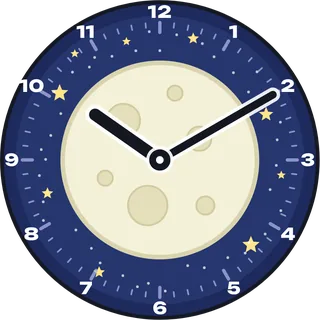
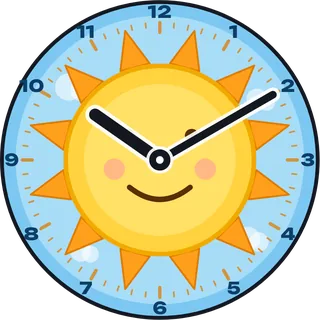
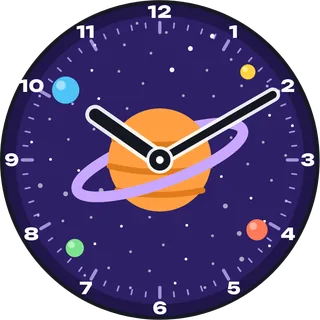
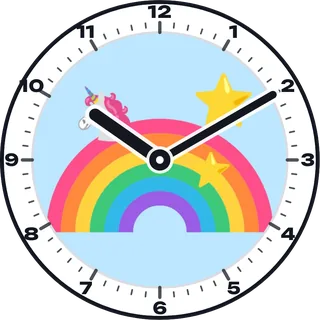
Earn coins for right answers and unlock new clocks, from cake and donuts to the moon and outer space. Or draw your own, or use a photo.
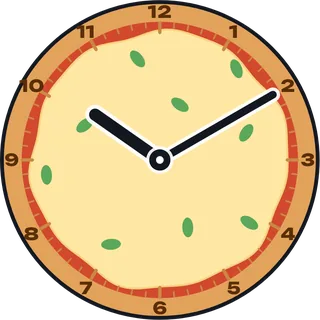
Pick your toppings
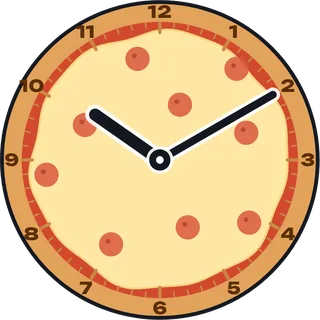
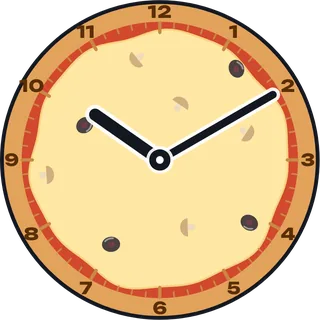
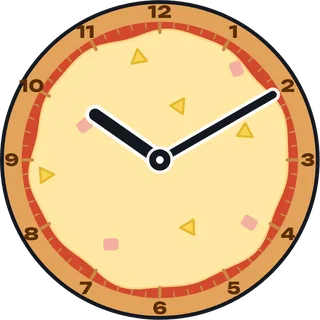
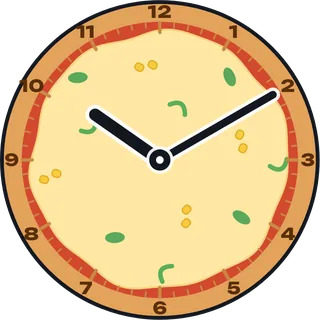
Eight toppings to mix and match on the pizza clock, from pepperoni to pineapple.

Put your family on the clock
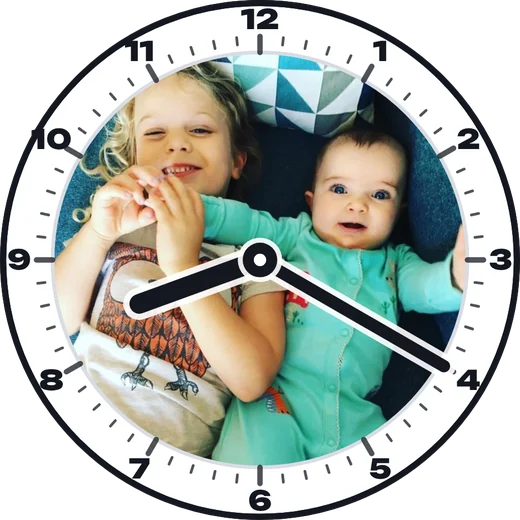
Use any photo as the clock face. It sits inside a clean rim, so the numbers stay easy to read and it still teaches the time. Photos stay on your device.
“I built Pizza Clocks for my daughter, who couldn't read a clock. She can tell the time now, and she still asks to play with it.”
The dad who made it
For grown-ups
Covers the Year 1 to Year 4 time objectives in England's national curriculum. No accounts, no ads, and nothing about your child leaves the device. Routines and settings sit behind a grown-up PIN.
Questions
Is it really free?
Yes. Learning, timers and the teeth timer are free, with no ads. Routines are free during early access, until 31 January 2027, and stay free on devices that use them before then.
What age is it for?
Roughly 5 to 10, from o'clock and half past up to any minute and 24-hour time.
Do I need to download anything?
No. It runs in your browser. For the best experience, open it in Safari or Chrome and add it to your home screen, and it works like an app.
Does it use American wording?
British wording by default (“quarter past”, “ten to”), and American wording (“quarter after”, “ten till”) on American devices. You can switch it in the grown-ups settings.